Review queue
The dashboard review queue for review-required registries — approving to move a tag, requesting changes, and the audit trail.
On a review-required registry, a publisher can ship prereleases, but
promoting a version to the latest channel is an admin decision. The review
queue is where that decision happens — the human side of the review-required
flow.
Where the queue lives
The review queue is a dashboard feature, not a CLI command. It's a registry-level list of prerelease versions awaiting promotion. Open the registry's dashboard page to reach it:
skillhub open @studio/design-systemsWhat a reviewer can do
From the queue, an admin acts on each pending version:
- Approve — moves the dist-tag to the version (optionally with a comment).
This is the promotion that makes the version the new
latest. - Request changes — records the decision on the version and notifies the person who published it that it needs work before it can be promoted.
Neither decision is available to the version's own publisher. Even an admin who published a release has to hand it to another admin — the review only means something if someone other than the author closes it. A registry that shouldn't require that turns Require review off in its settings.
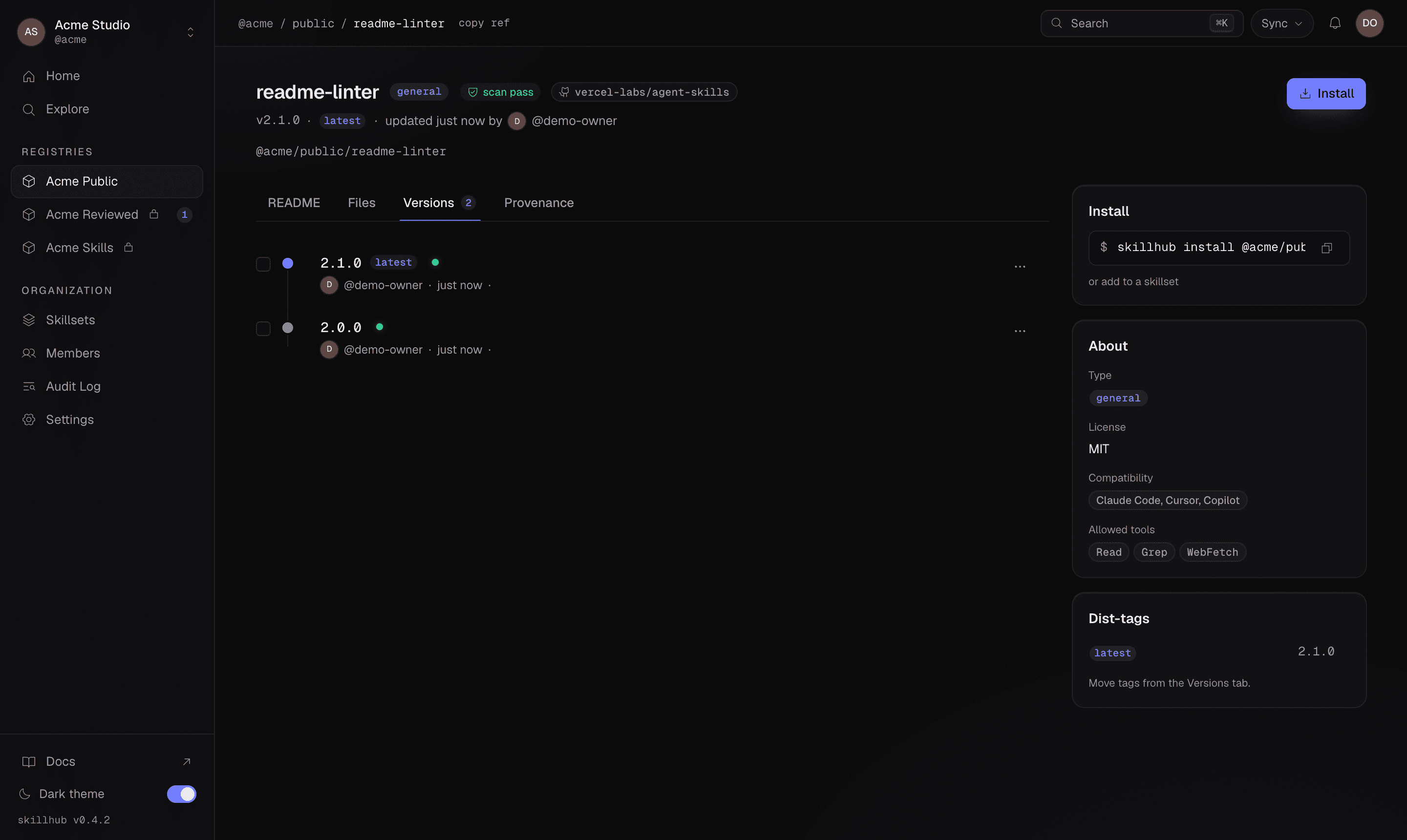
Approval is a dist-tag move: the latest tag lands on the approved version in the
registry's version timeline, exactly like a manual tag move from the Versions tab.
The audit trail
The whole chain is recorded in the audit log: the publish, the review, and the approval or change request. Nothing about a promotion is silent — there's a durable record of who approved what, and when.
No CLI approve command
There is no CLI review or approve command — review and promotion are a dashboard flow. The CLI side of the flow splits by role:
Publish prereleases and tag them for review:
skillhub publish --tag betaMove the tag once a version is approved — this is the same tag move the dashboard performs on approval:
skillhub tag @studio/design-systems/tokens-workflow@1.2.3 latestReading a withheld promotion
When the review policy withholds the tag, the publish --json payload reflects
it: the per-skill tag field is null (the version was published, but the tag
did not move), and scanStatus may be pending while the server-side scan
finishes.