Scanning
How the security scanner works locally and on publish — statuses, finding severities, the blocking exit code, and the admin-only override.
Every skill is code that an agent will run, so SkillHub ships a security scanner that looks for the things you don't want to hand to an agent: secrets, prompt-injection, exfiltration attempts, and dangerous shell. The same engine runs locally when you scan and server-side when you publish, so what you see on your machine is what the registry checks.
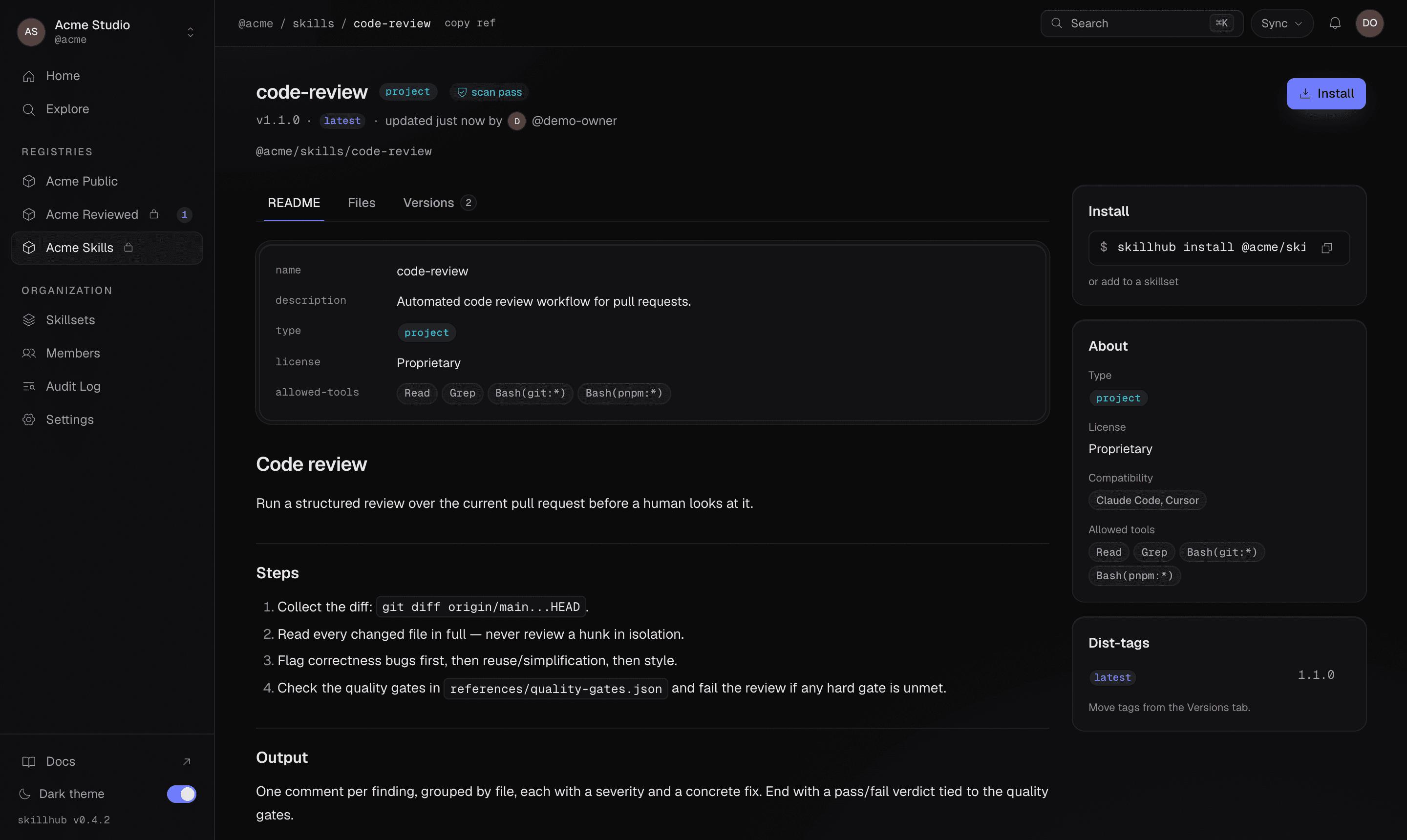
Once a version is published, its scan verdict rides along with the skill — the skill page shows the live status right in the header, next to the install command.
Scan locally
Run the scanner over any skill directory before you ship it:
skillhub scan
skillhub scan ./my-skill
It reports an overall status and a list of findings.
Statuses
The scan resolves to one of three statuses:
| Status | Meaning |
|---|---|
pass | No blocking findings. |
warn | Findings worth a look, but nothing that blocks. |
fail | A blocking finding — this stops a publish. |
Finding severities
Each finding carries a severity so you can triage quickly:
info, low, medium, high, critical.
Every finding also includes a ruleId, a human-readable message, and — when
the scanner can point at it — the path, line, and a snippet of the offending
content.
Scanning is part of publishing
You don't have to run skillhub scan by hand before skillhub publish — publish
runs the scan for you as part of its pipeline:
Scanning first just gives you faster feedback while you're still editing.
A blocking local scan exits with code 4 before any network call.
Nothing leaves your machine until the scan is clean.
Scan status in publish output
When a version is published, the publish --json payload reports a scanStatus
for each skill:
pass,warn, orfail— the scan result.pending— the server-side scan is still finishing (you'll see this most often on review-required registries).
{
  "ok": true,
  "data": {
    "published": [
      { "ref": "@studio/design-systems/tokens-workflow", "version": "1.2.0", "tag": "latest", "scanStatus": "pass" }
    ],
    "skipped": []
  }
}
Overriding a blocking scan
Registry admins — and only registry admins — can force a publish past blocking
findings with --force:
skillhub publish --to @studio/design-systems --force--force is an admin-only escape hatch. Use it only when you fully understand a
finding and have decided it's a false positive — it uploads the skill despite the
block.
JSON output
With --json, skillhub scan returns a data object containing:
status—pass|warn|fail.findings[]— each{ ruleId, severity (info | low | medium | high | critical), message, path (string | null), line (int | null), snippet (string | null) }.engine—{ name, version }.scannedAt.