Introduction
What SkillHub is, who it's for, and the mental model behind registries, versions, and one store for many agents.
What is it?
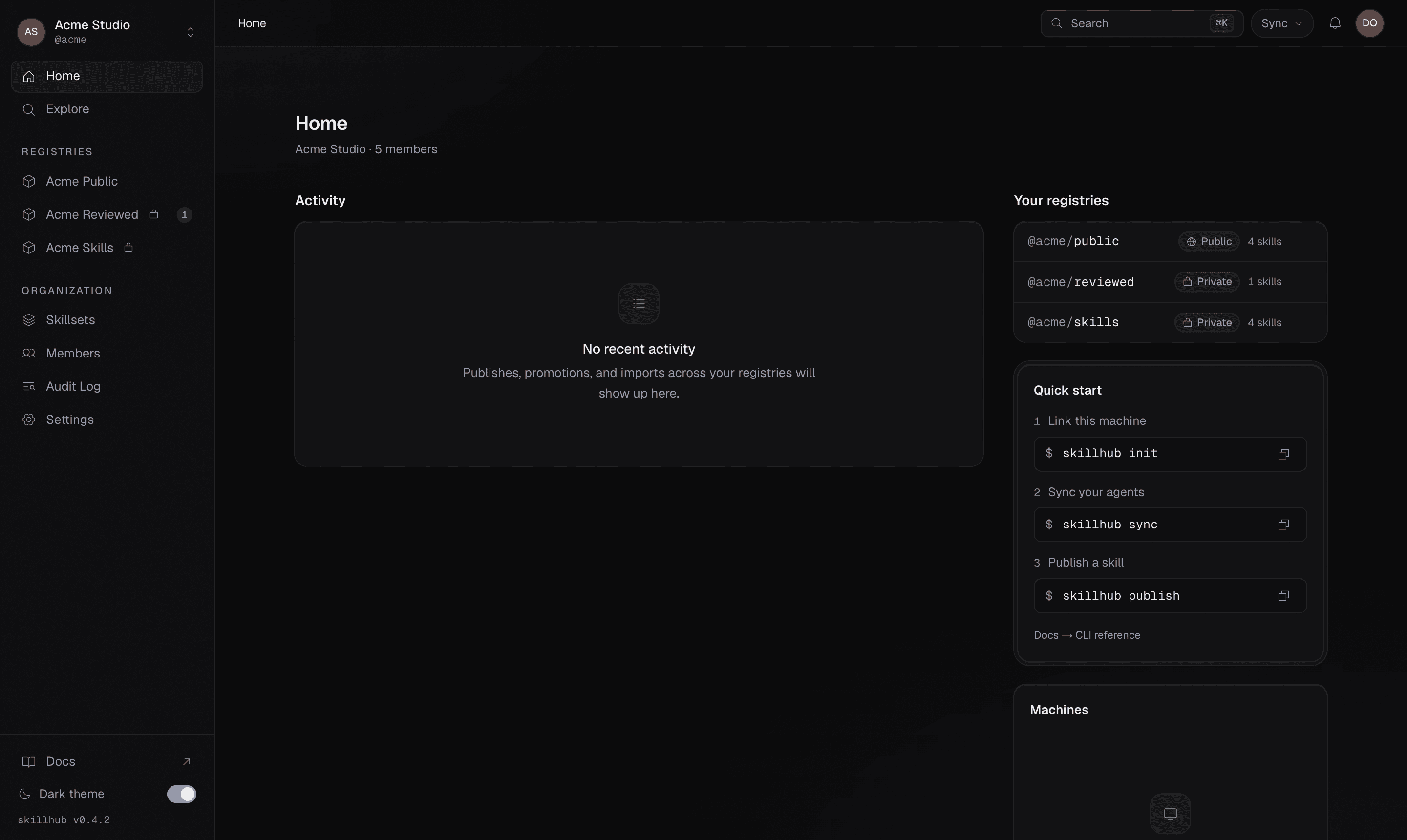
SkillHub is a package manager for AI agent skills. If you've used npm, the shape will feel familiar: you publish skills as versioned packages into registries, and you install them into your projects. The difference is that SkillHub is built for the way coding agents actually work — many agents, many machines, and repositories you don't own.
It brings GitHub-style collaboration to skills: private registries, org
workspaces, roles, and invitations. And it does all of this without ever
touching the repository you're working in — everything SkillHub writes
locally is gitignored by default, so git status stays clean even in a
client's repo.
Who it's for
- Skill authors who want to package a
SKILL.md(plus its scripts, references, and assets), version it, and share it with a team or the world. - Teams and organizations who want a private, shared home for their skills, with roles that control who can read and who can publish.
- Anyone using a coding agent who wants to install skills once and have them show up across every agent on the machine — without copy-pasting config into each project.
The mental model
A few ideas carry the whole product. Get these and everything else follows.
Registries
A registry is a named collection of skills, owned by a user
(@pat) or an organization (@studio) — think of it like a repository:
@studio/design-systems. Registries are private by default, and you can install
a single skill or a whole registry at once.
Immutable versions, mutable tags
Every time you publish, you create an immutable, content-hashed semver
version. A published version never changes. On top of those frozen versions
sit dist-tags — mutable pointers like latest and beta — that name the
channels you install from. Installs resolve either a tag or a semver range, so
you decide how eagerly you follow new releases.
One store, many agents
Skills install once into a canonical local store, then fan out by symlink into each coding agent's skills directory. Update the store once and every agent sees the change. Copy is available as a fallback, but linking is the default.
Never touch your repo
SkillHub writes a canonical store and a managed .gitignore block, so
the files it creates never become stageable changes. Working inside a
client-owned repository stays completely invisible to Git.
Where to next
Everyone starts by installing the CLI and authenticating. From there you'll usually go one of two ways: